Challenge
Drivers need information without being overloaded by it.
Modern in-car interfaces expand what drivers can do, but the same interface can become distracting when attention needs to stay on the road.
NOVA
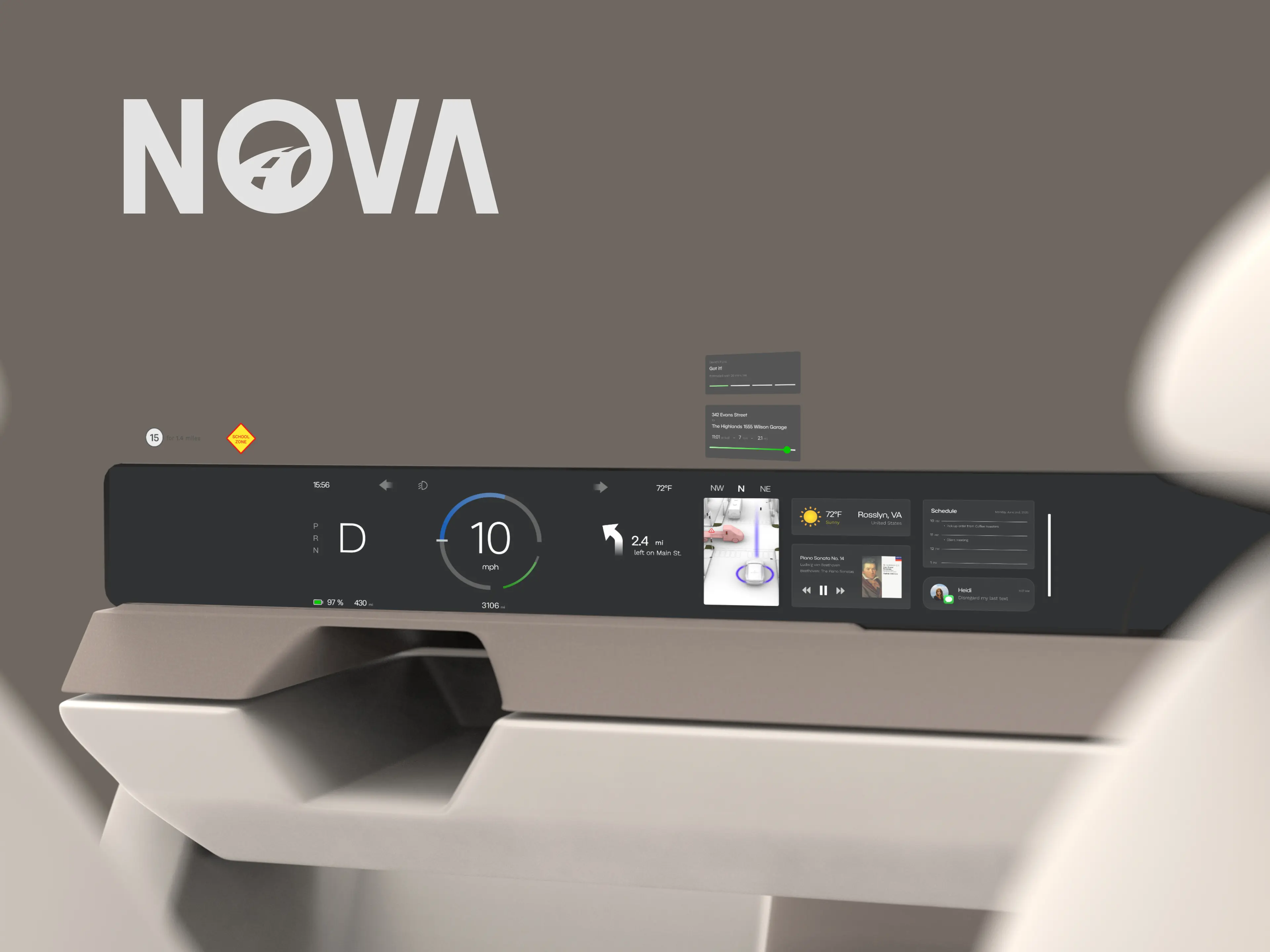
Nova rethinks how information, interaction, and automation should shift as responsibility moves between the driver and the vehicle.
Drivers need information without being overloaded by it.
Modern in-car interfaces expand what drivers can do, but the same interface can become distracting when attention needs to stay on the road.
Make the interface respond to driving context.
We structured information and interaction around changing levels of driver attention and vehicle automation.
A three-mode adaptive HMI, validated through iterative testing.
The final prototype reached a SUS score of 91.2 and was refined through in-person, remote, and A/B testing.
The problem
In-car screens have become essential for navigation, media, communication, and vehicle control. But while driving, every added interaction competes for a limited resource: attention.
4.8-13.6 sec
Complex touchscreen interactions can divert a driver’s attention for several seconds at a time.
How much should the interface ask from the driver at any given moment?
Driving interfaces can compete with attention visually, manually, and cognitively. The risk increases when a single interaction demands all three at once.
High interaction cost
Design implicationInstead of treating every feature as equally available, we needed to control when information and interaction should surface.
As project lead, I guided our research around everyday driving behavior, interface preference, and attitudes toward assisted driving.
Synthesis
Drivers need to understand what the vehicle is doing before they can trust what it can do.
A dense interface may be useful when attention is available and dangerous when it isn’t.
As driving responsibility shifts, previously restricted information and interactions can safely surface.
How might the HMI adapt as the driver’s attention changes?
System architecture
Driver attention
Driver-led. Driver attention: High. Information density: Minimal. Interaction depth: Essential only.
Assisted / shared. Driver attention: Shared. Information density: Balanced. Interaction depth: Contextual.
Significantly reduced. Driver attention: Low. Information density: Expanded. Interaction depth: Richer / immersive.
Driver attention
Driver attention
HighLowDriver-led
Assisted / shared
Significantly reduced
I structured the HMI around information priority rather than individual screens, defining what should remain persistent, what could appear contextually, and what should stay hidden until the driving state allowed it.
Layer 01
Primary
Persistent
Persistent
Layer 02
Held back
Selected
Contextual
Layer 03
Held back
Held back
Expanded
Layer 01
Layer 02
Layer 03
Primarily Layer 01
Layer 01 + selected Layer 02
Layer 01 + Layer 02 + expanded Layer 03
The system scales information density with the amount of attention available.
Once the behavioral rules were defined, we translated the architecture into progressively higher-fidelity prototypes, using each stage to refine hierarchy, interaction, and visual emphasis.
Information zones
Hierarchy and interaction
Visual language and state feedback
overly dominant speedometer presentation
small or unclear interactive controls
related actions being visually separated
limited personalization
mode transitions needing clearer feedback
layouts benefiting from further simplification
Before
After
Focus
Focus prioritizes essential driving information and suppresses unnecessary interaction for dense, attention-heavy environments.
Comfort
As assistance increases, Comfort introduces contextual information without removing the driver from the loop.
Relax
Relax expands the experience toward media, environment, and shared content when driving responsibility is significantly reduced.
91.2 System Usability Scale
Testing reinforced a simple principle: clearer hierarchy and more deliberate transitions helped the interface feel calmer and easier to understand.
Nova changed how I think about automotive interfaces. The hardest problem wasn’t deciding what information a vehicle could show, but deciding what deserved the driver’s attention at any given moment.
Leading the project pushed me to think beyond individual screens and design relationships between context, responsibility, information, and interaction. That systems-level thinking is something I want to continue exploring in automotive HMI and other complex, safety-critical experiences.